Farm Icon Color V1.0.0.0 LS25
Farm Icon Color V1.0.0.0 LS25
Farm Icon Color allows you to give every farm a clear visual identity in Farming Simulator 25.
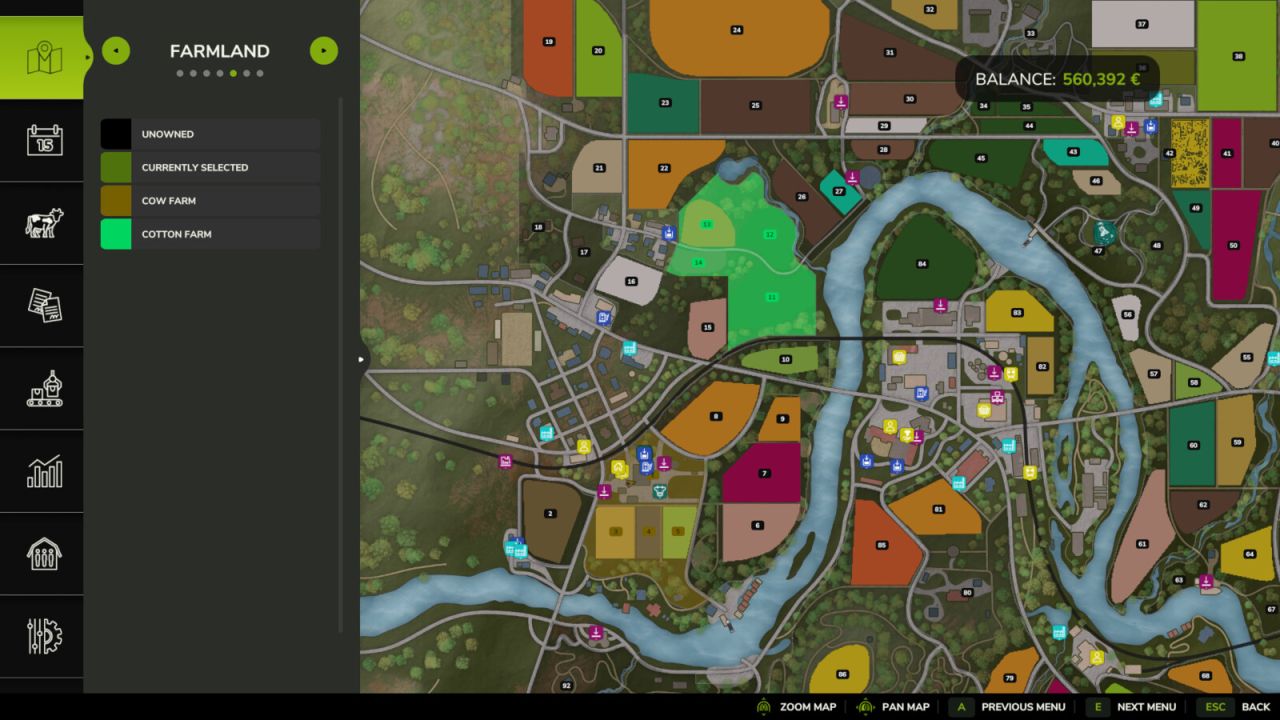
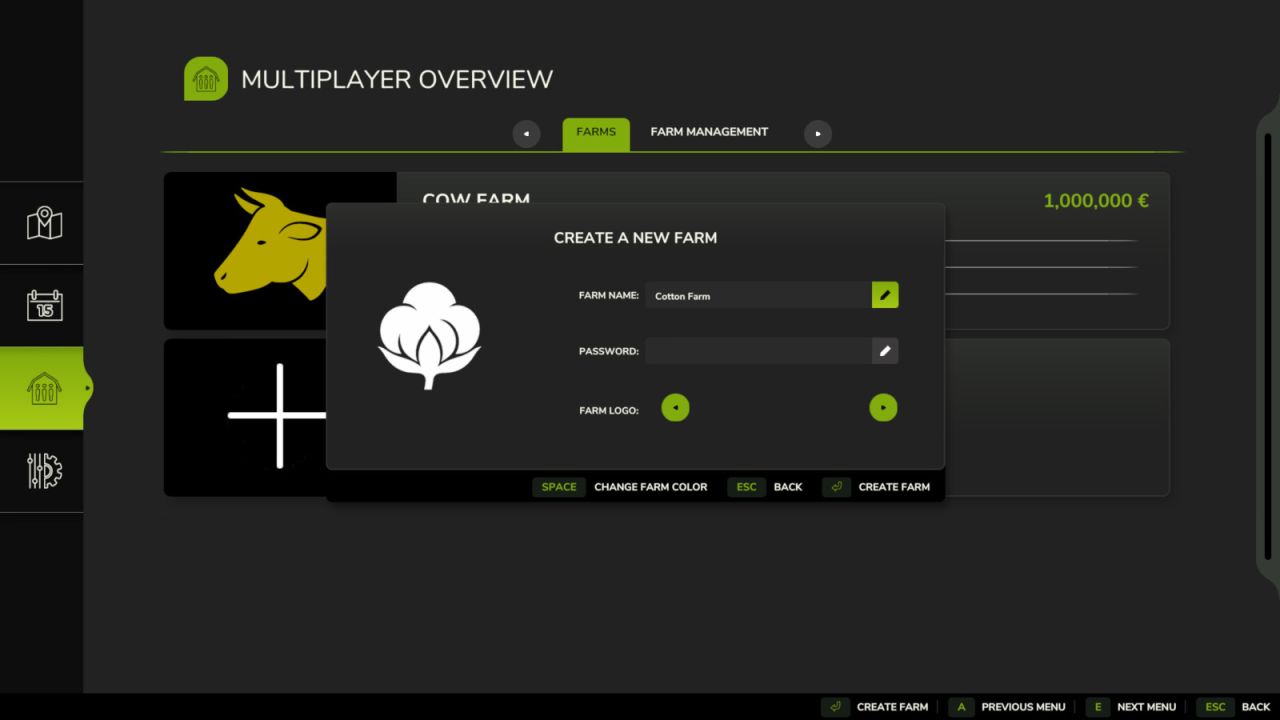
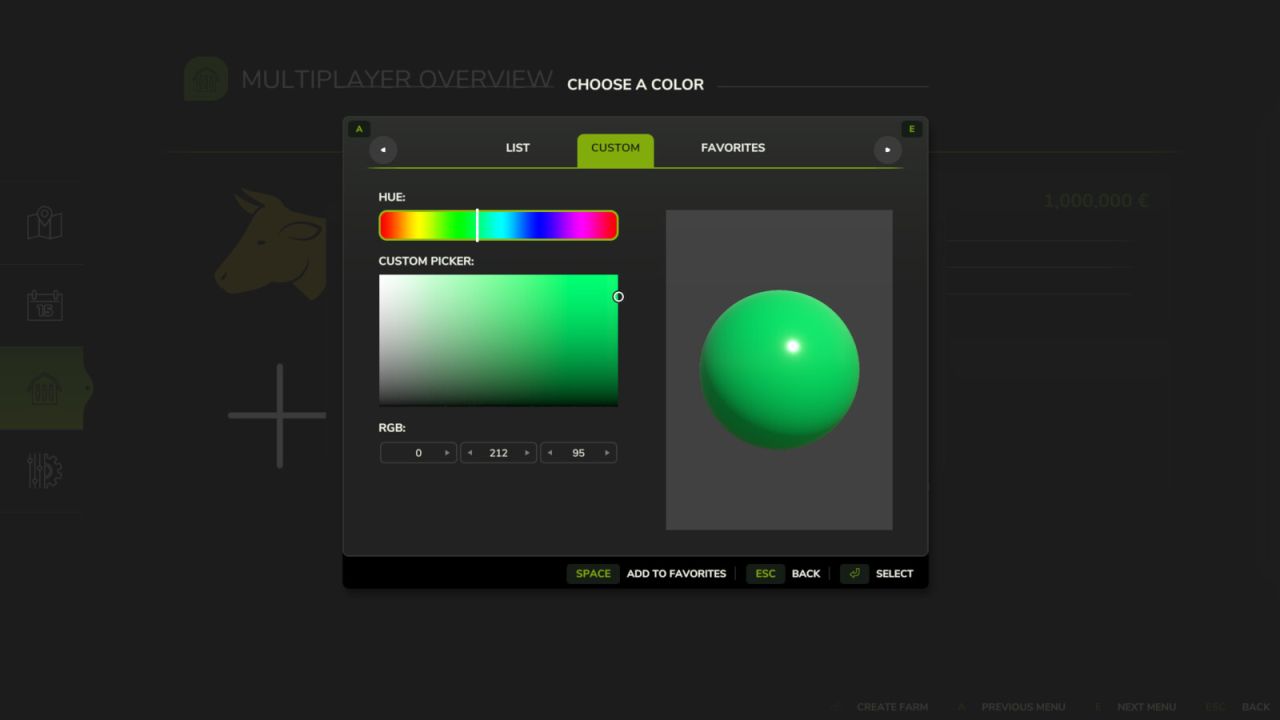
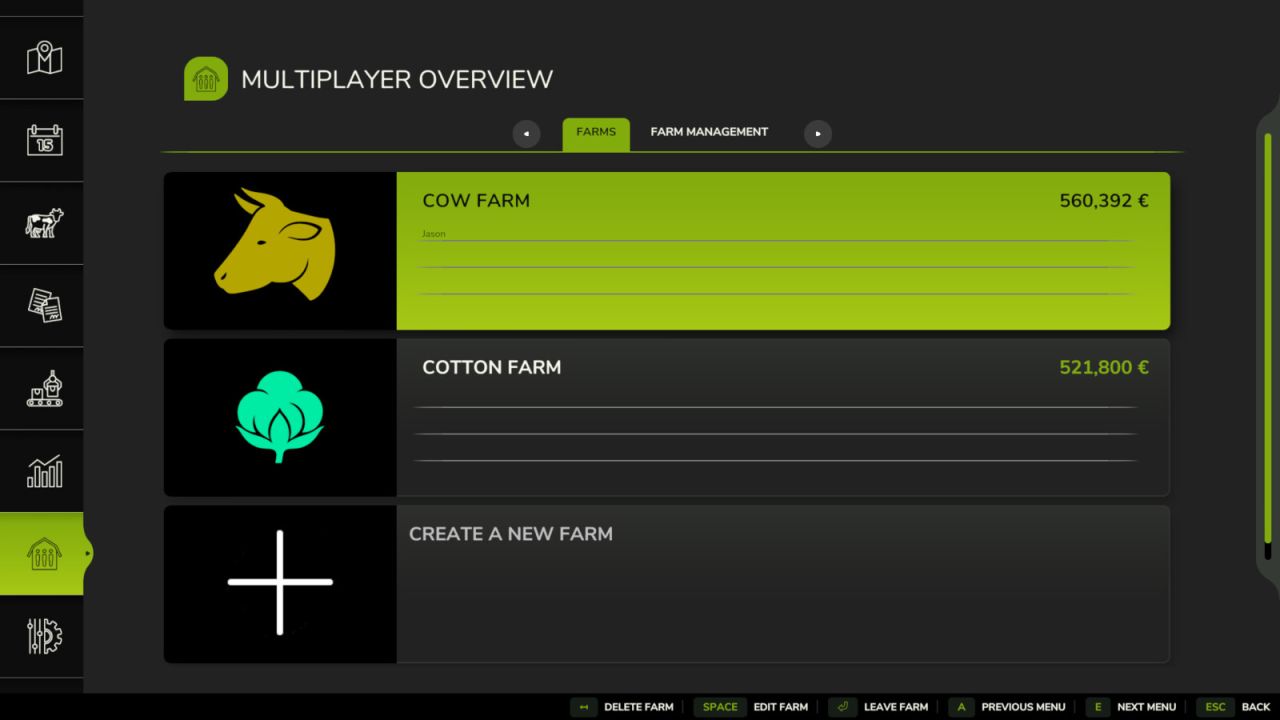
With this mod, you can choose a custom farm icon and apply your own color. The selected icons and colors are visible in the multiplayer menu, in the farm list, on the map and through in-game markers.
The mod is especially useful in multiplayer games with several players, making it easier to quickly identify each farm. It can also be used in singleplayer to add more customization to your farm.
Features:
Select a custom farm icon.
Change the farm color.
Display the custom icon in the farm creation and editing menu.
Display farm colors on the map.
Improve visual farm identification in singleplayer and multiplayer.
Inputs:
In singleplayer: press F9 to open the farm color customization window.
In the farm creation or editing menu: use the left/right arrows to change the farm icon.