Vehicle Seat Controls V1.0.0.0 LS25
Vehicle Seat Controls V1.0.0.0 LS25
Adjust the indoor (cab) camera position and field of view of your vehicles.
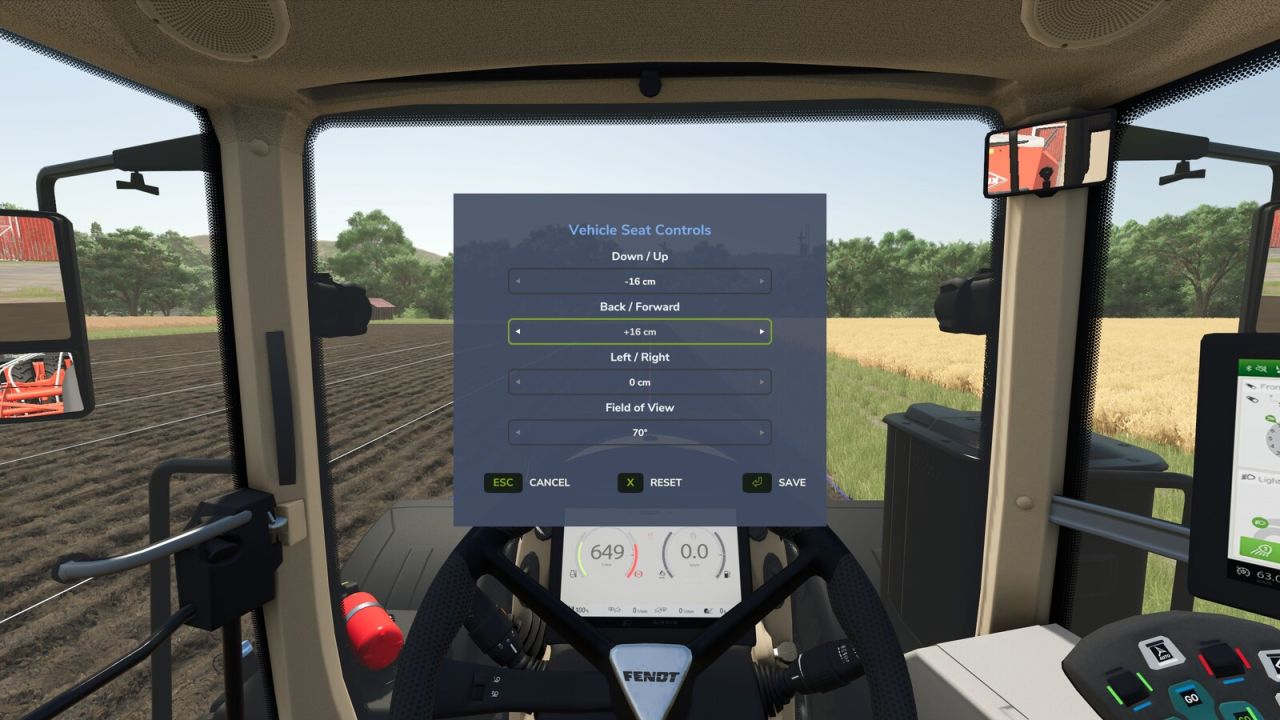
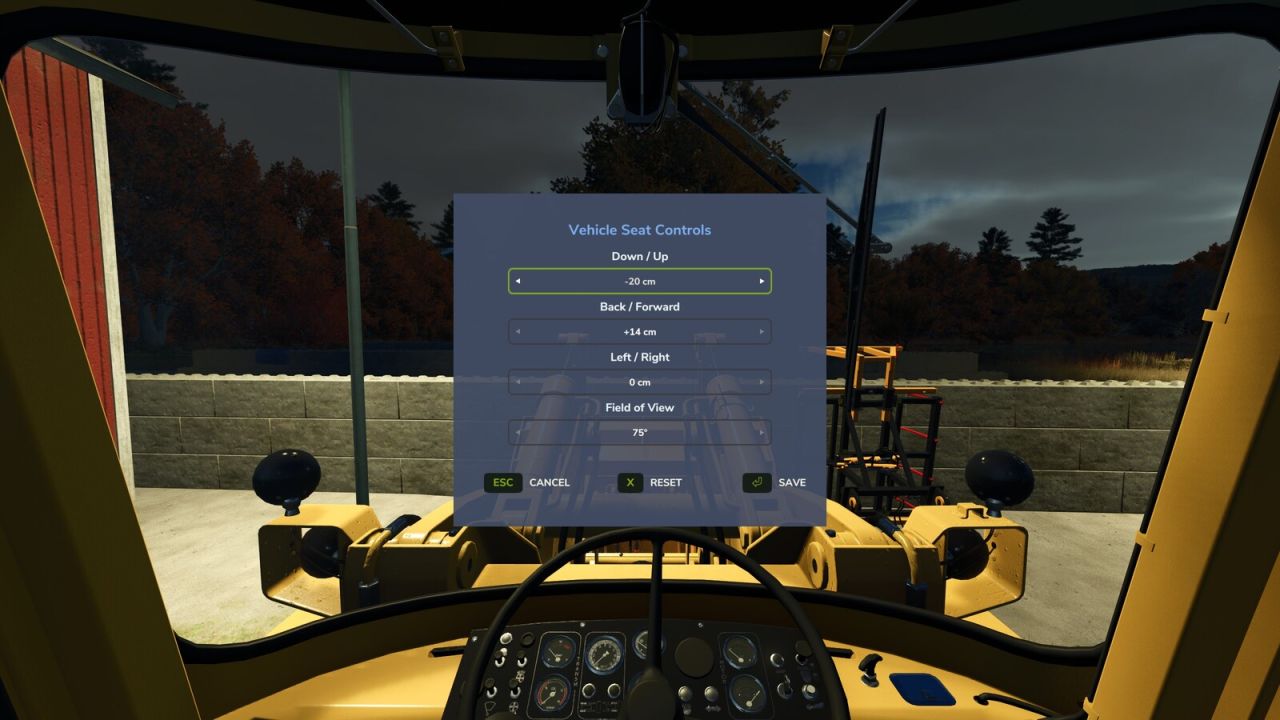
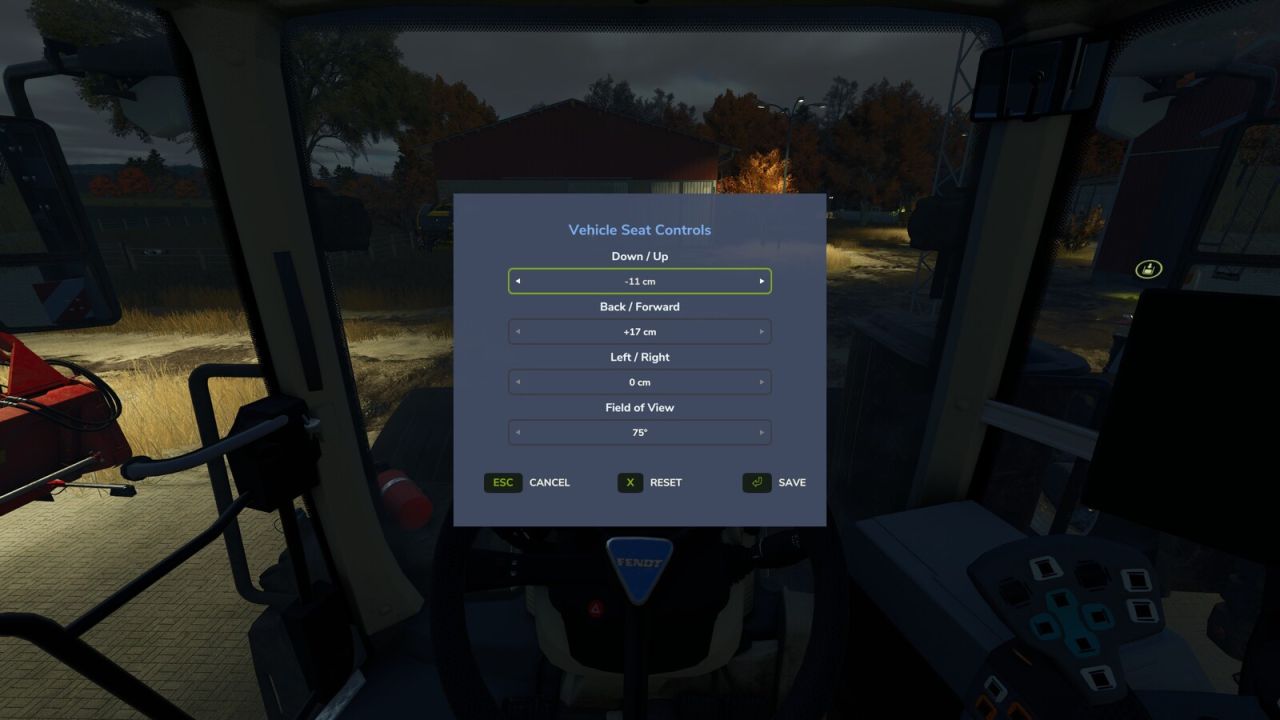
While seated in a vehicle, press Numpad – (rebindable in Settings > Controls) to open the Vehicle Seat Controls window.
Use the arrow selectors to set:
Up / Down
Forward / Back
Left / Right
Field of View (zoom)
Changes preview live on the cab. Press Save to keep them, Reset to recenter, or Cancel to discard.
Want to look around while you adjust? Click and hold the left mouse button anywhere outside the window and drag to freely glance around the cab – the menu stays open the whole time, so you can line up the perfect view before saving.
Settings are saved per player and per vehicle and persist across leaving/rejoining and server restarts.