Rodd’s Used Equipment v1.0.0.2 LS25
Rodd’s Used Equipment v1.0.0.2 LS25
Not every good machine comes fresh from the factory.
Rodd’s Used Equipment opens the back lot: worn-in tractors, oddball bargains, custom-painted workhorses, and the occasional too-good-to-ignore lead from a guy who knows a guy.
Check the yard, “Call Rodd” when you want him to hunt something down, then take your find into the shop and make it yours.
Features:
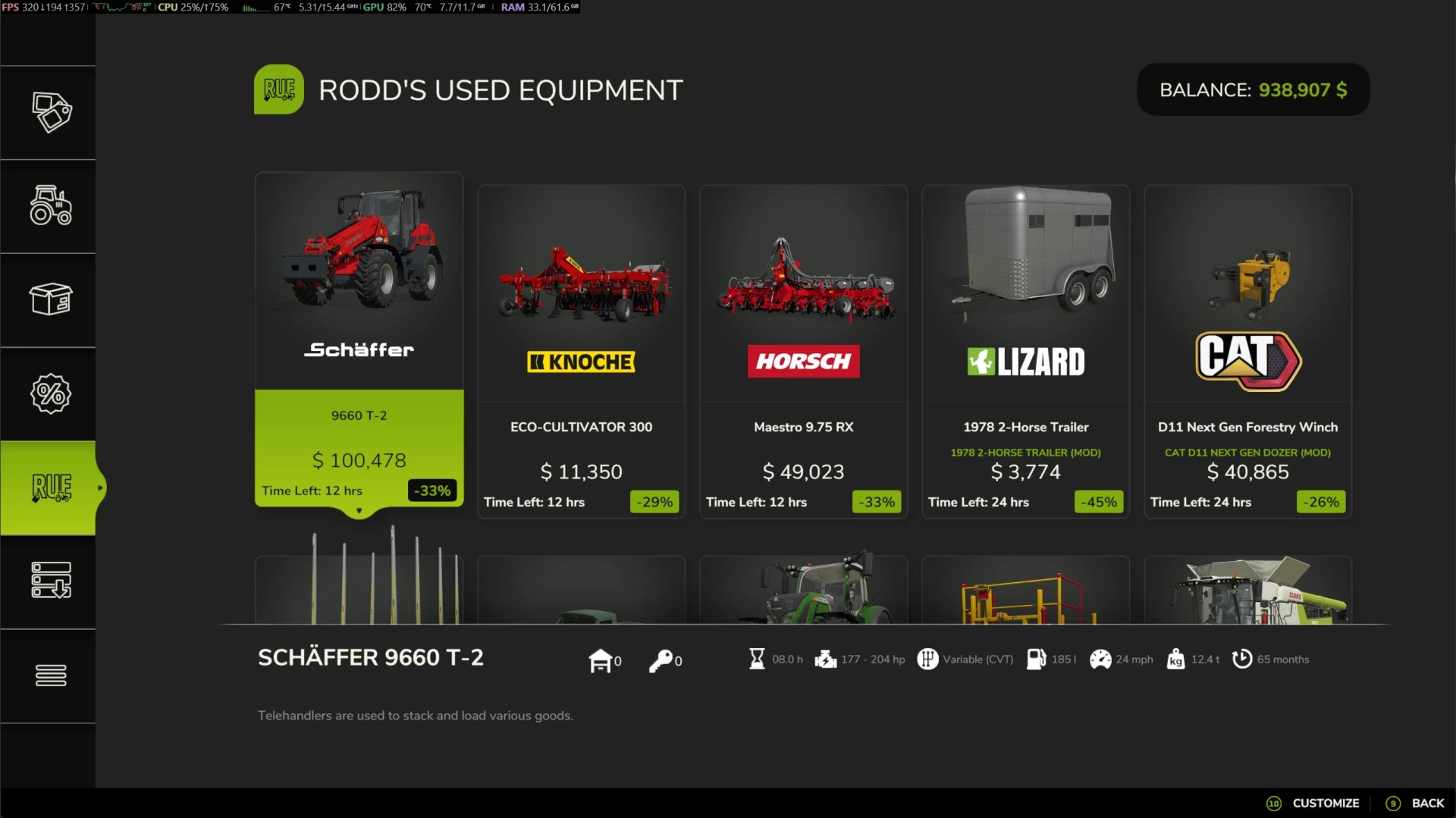
– Browse Rodd’s back-lot dealer tab for rotating used equipment finds. You can find Rodd’s shop under the REU tab in the shop menu.
– Use the “Call Rodd” button to chase down leads when the lot doesn’t have what you need, with optional finder fees and an active searches view. (Note: The “Call Rodd” option will not appear on disabled items in the mod settings)
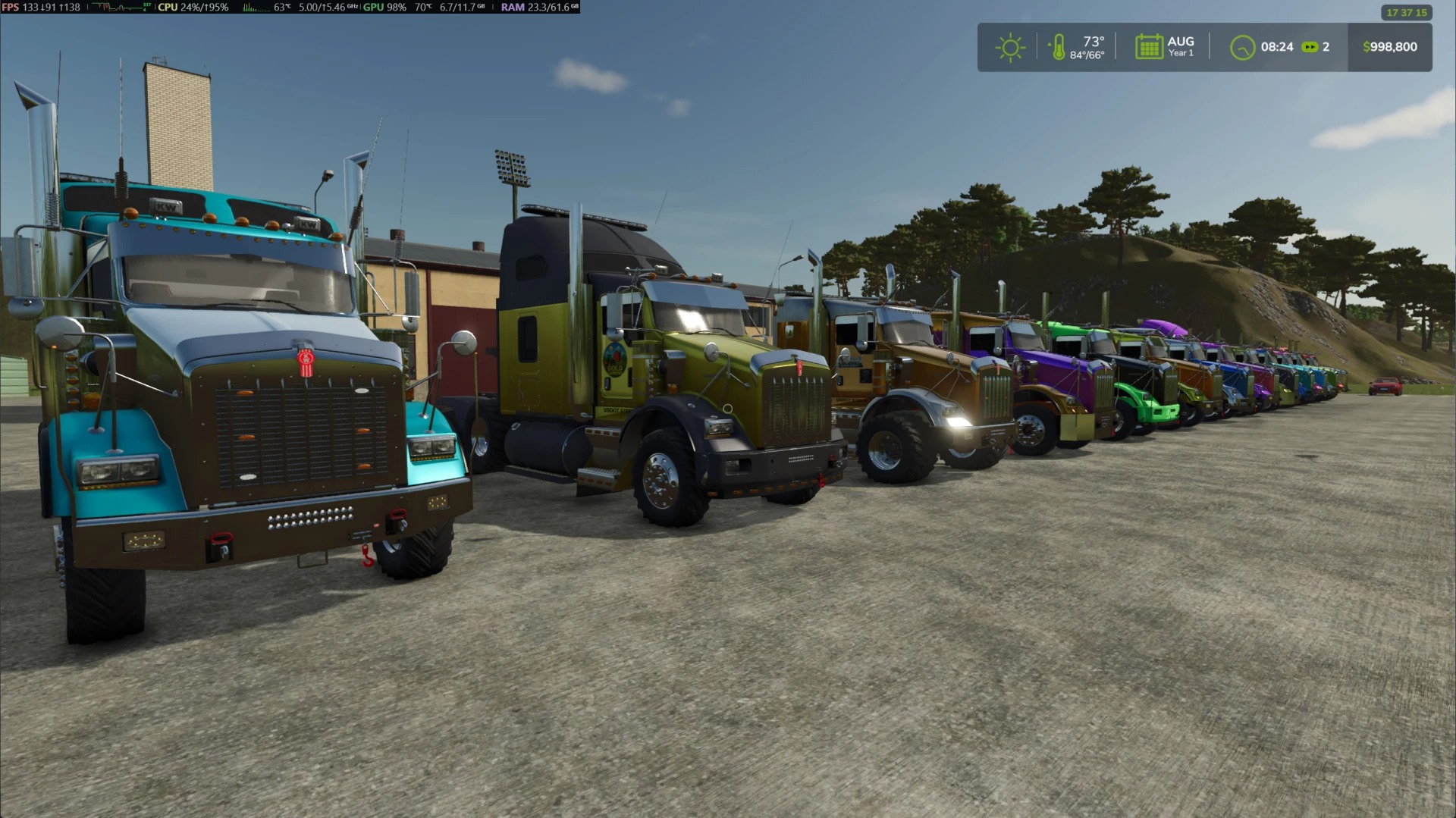
– Adds a curated color palette system with 72 palette options, from clean farm classics to wild showpiece finishes.
– Configurable category, brand, source, refresh, condition, discount, Call Rodd finder fee, and palette settings.
– Dedicated RODD’S MODS settings section for quick in-game tuning, with deeper XML options for power users.
– Over 400 XML options let you tune Rodd’s inventory size, refresh timing, search delays, source filters, category/brand eligibility, condition/age/hour/discount ranges, mileage behavior, palette tiers, and more! Check out the fully documented FS25_RoddsUsedEquipment.xml file in the savegame folder.
– Keeps vanilla used sales intact while giving Rodd his own corner of the dealership.
– Multiplayer-friendly
Latest changes (1.0.0.2):
– Added configurable Call Rodd finder fees with in-game presets and 0-100% XML support.
– Added a Call Rodd Searches view on the REU screen showing active searches, time left, and farm.
– Varied Call Rodd search timing so early requests no longer repeat fixed default delays.
This mod was created because existing mods that modified the base game used shop system don’t work reliably. This mod was written from the ground up with NO dependencies on the vanilla used market.
Credits: Rodderik