Input Binding Backup V1.0.0.0 LS25
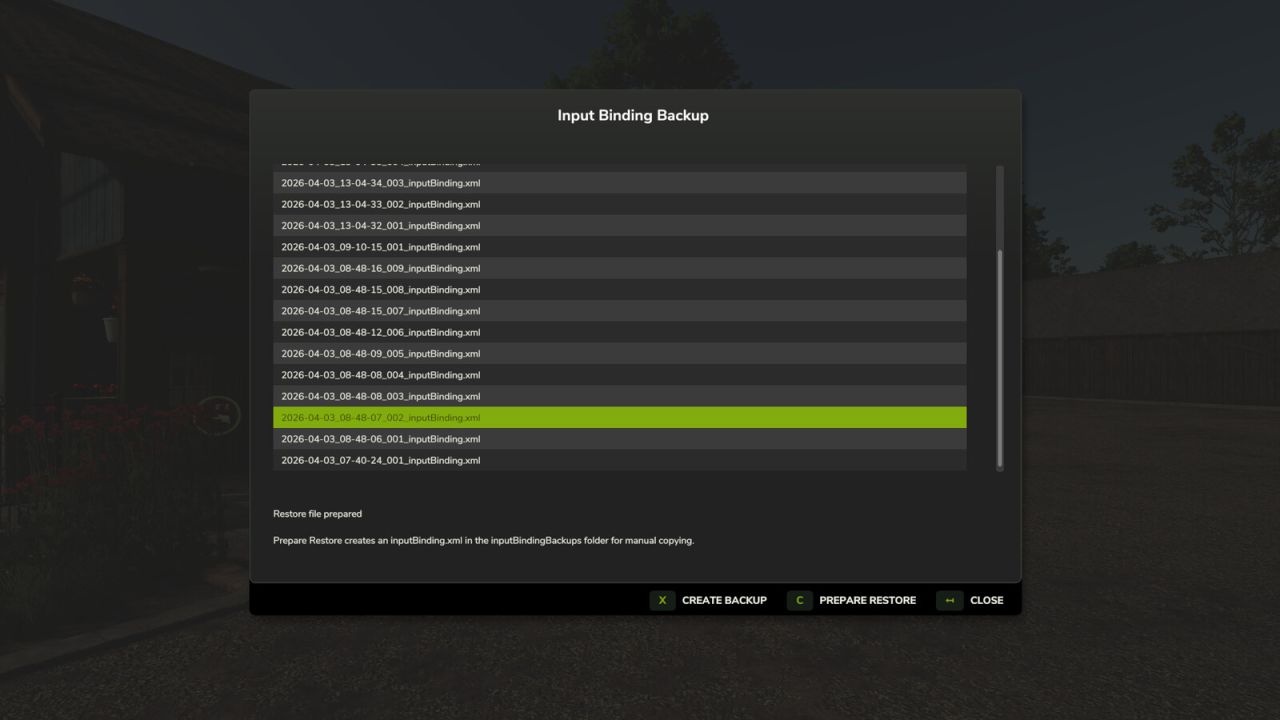
Input Binding Backup V1.0.0.0 LS25
Creates a backup of the current inputBinding.xml / inputBindings.xml directly in-game.
Features:
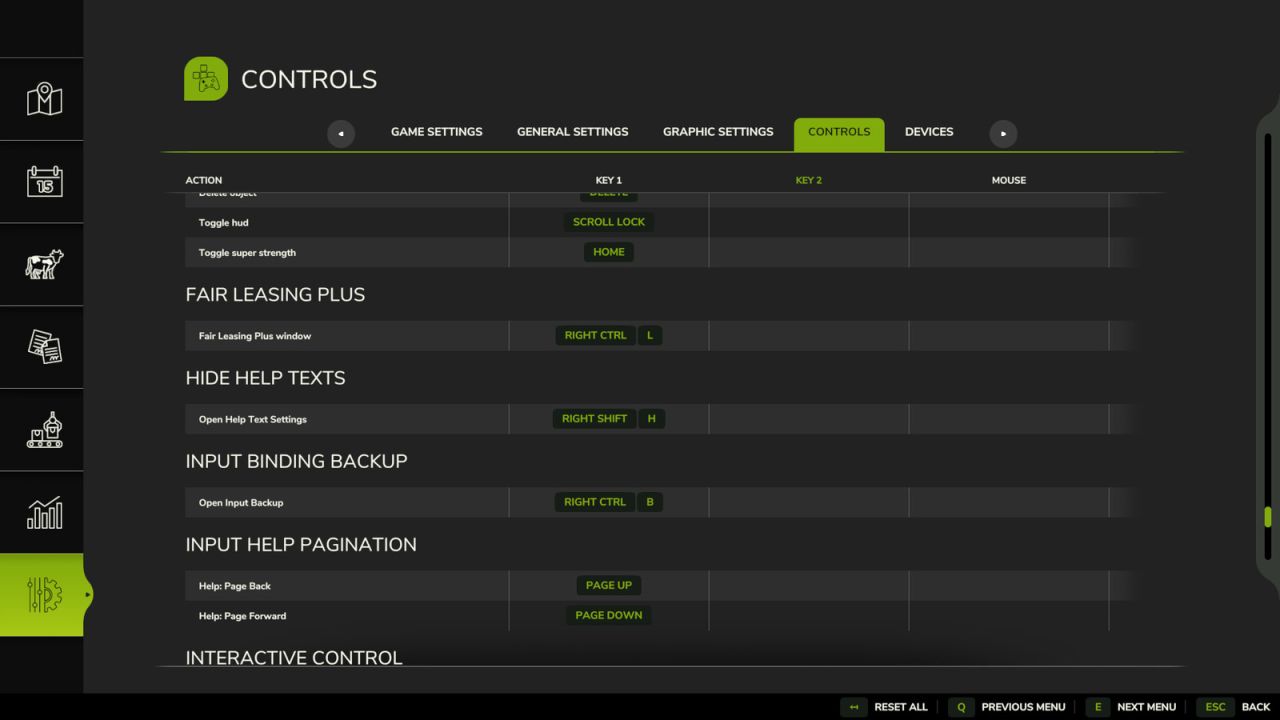
– Opens a small backup menu via hotkey: RightCtrl + B
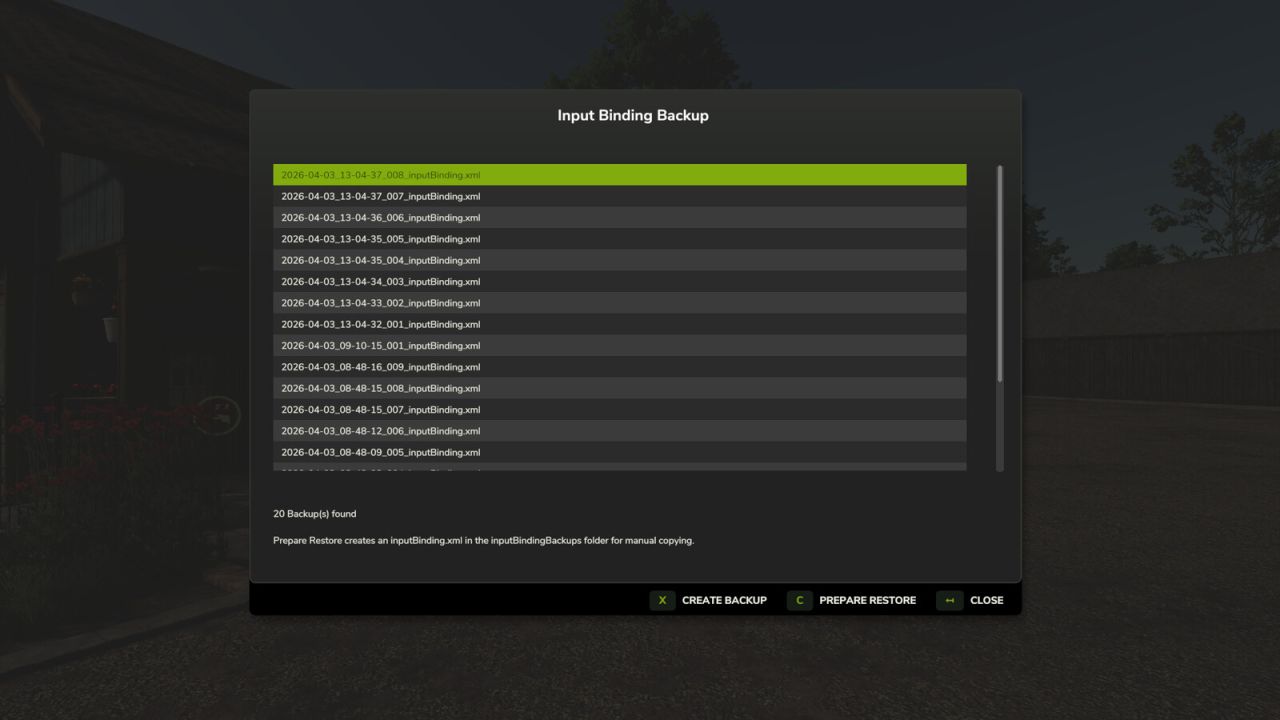
– Creates timestamped backups in the Farming Simulator user profile folder
– Shows an overview of existing backups
– Can prepare an inputBinding.xml for manual restore inside the backup folder
Restore note:
– “Prepare Restore” creates an inputBinding.xml in the inputBindingBackups folder
– Copy this file manually into your Farming Simulator 25 profile folder
– Replace the existing inputBinding.xml
Console commands:
– ibbCreateBackup
– ibbListBackups
– ibbRestoreLatest
– ibbOpenDialog