Move owned placeables V1.0.0.0 LS25
Move owned placeables V1.0.0.0 LS25
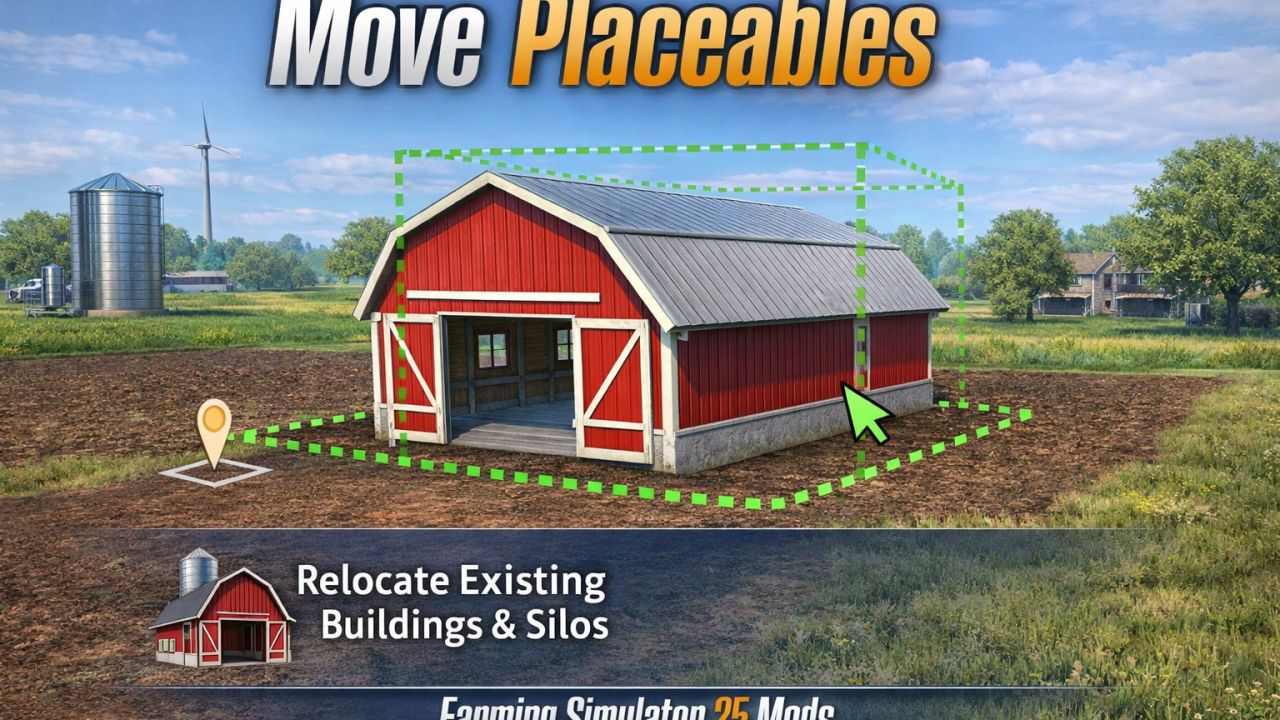
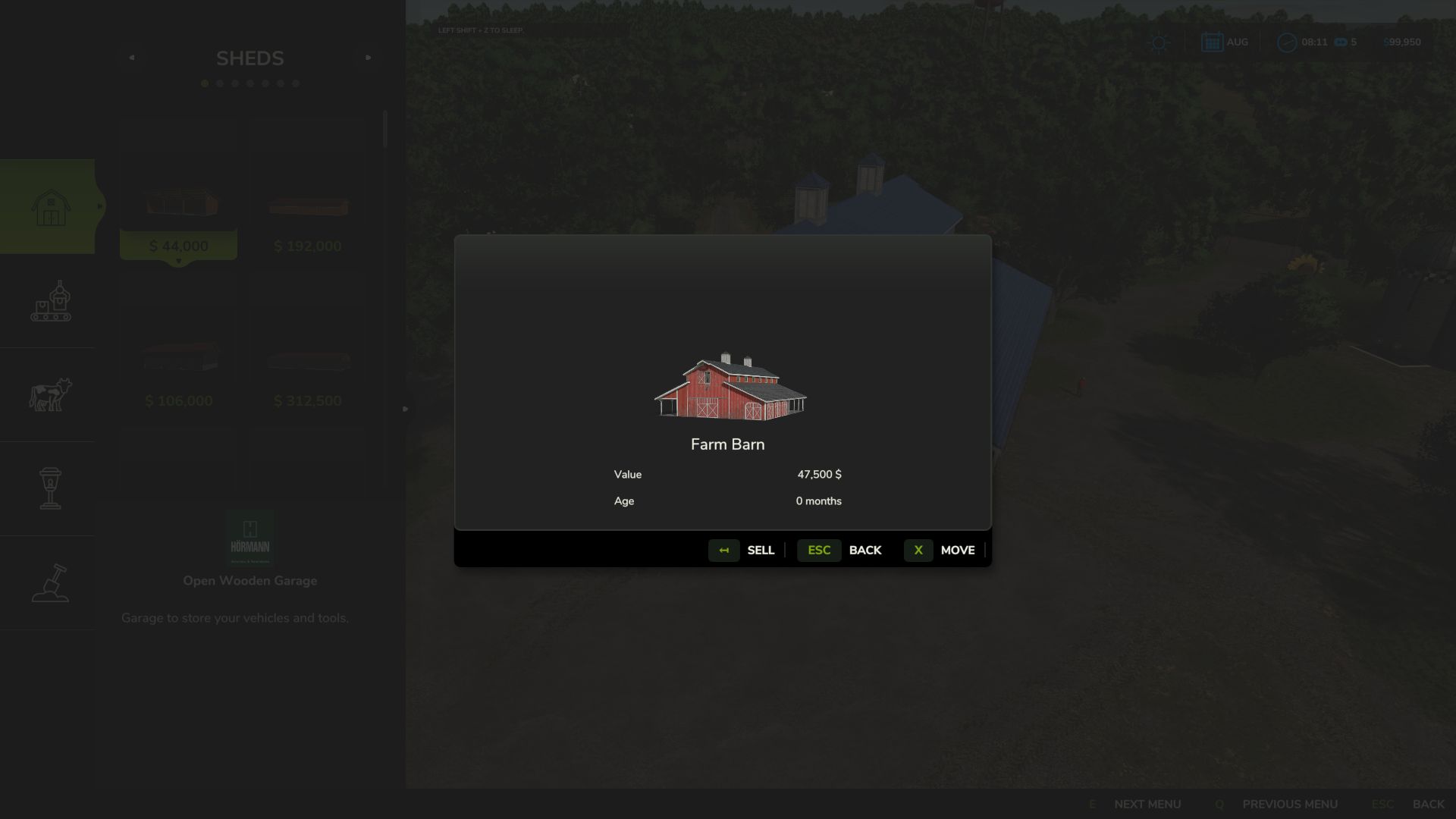
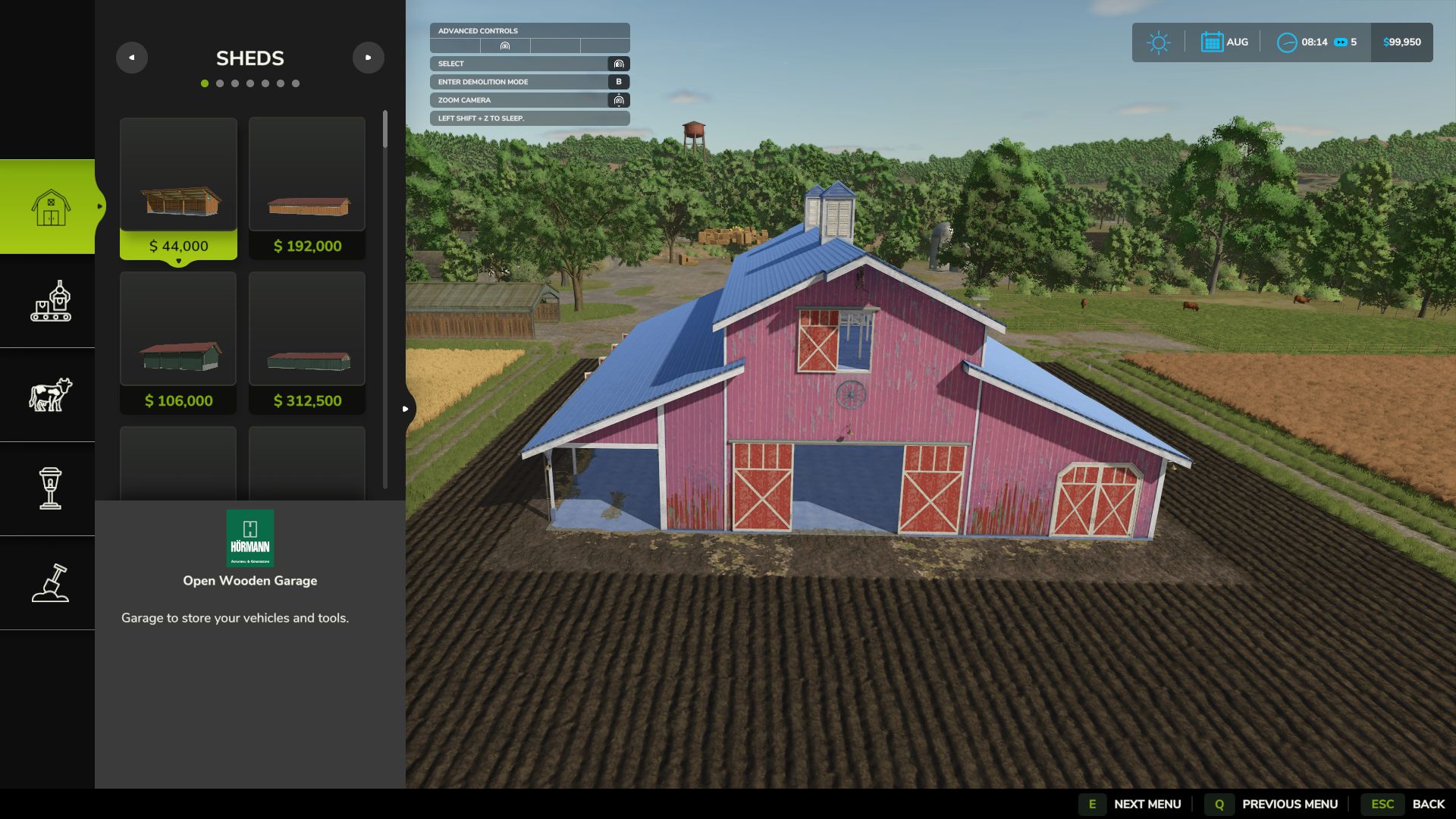
Move owned placeables directly in construction mode instead of selling and replacing them.
Features:
– Move button in the placeable info dialog
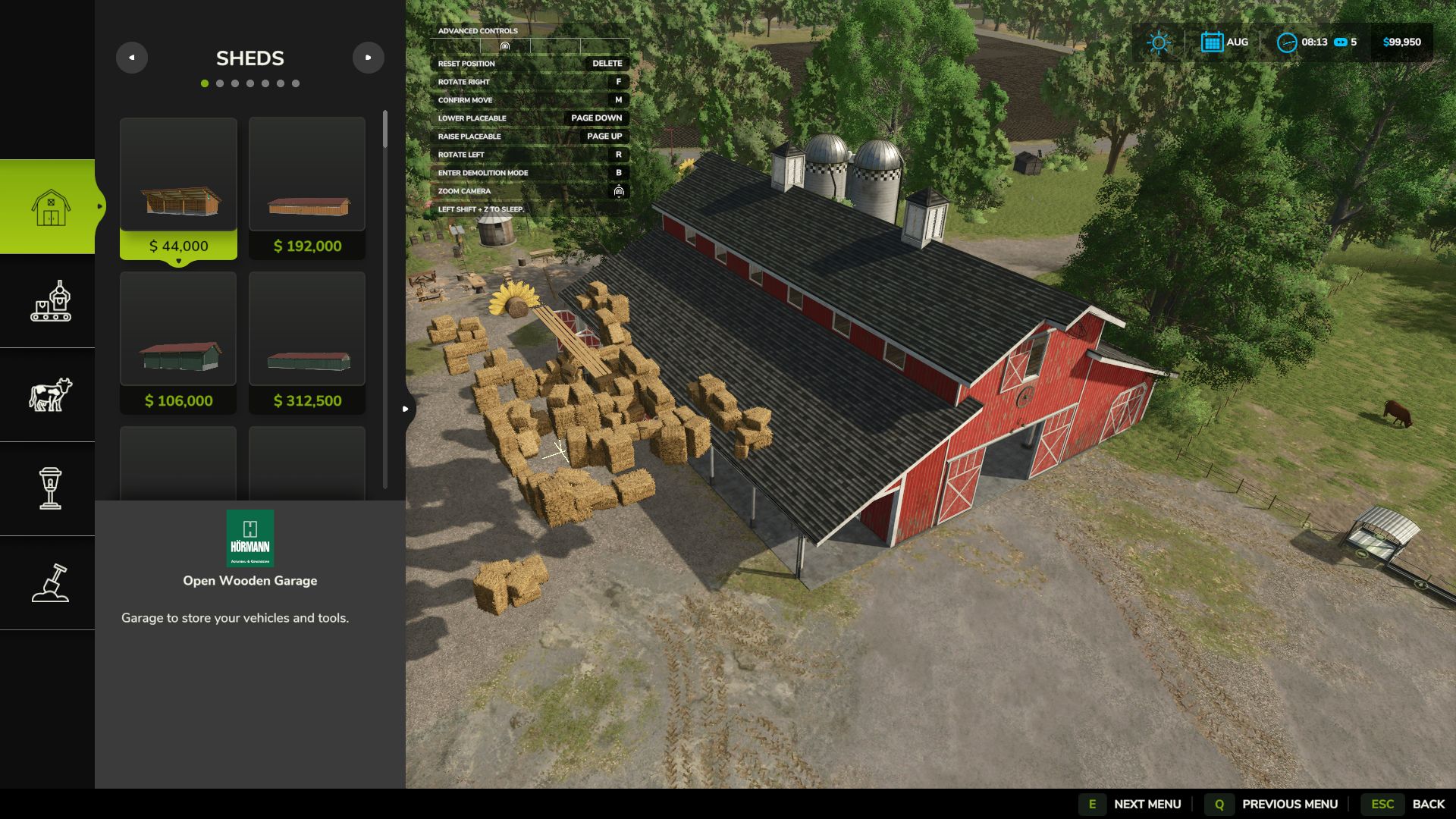
– Left-drag movement with height and rotation controls
– Controls shown in the built-in top-left controls menu
– Ground refresh at the new location after confirming
– Best-effort restore of the old ground to reduce leftover muddy patches
Controls:
– Left mouse drag: move
– Page Up / Page Down: height
– R / F: rotate
– Delete: reset
– M: confirm
– Esc / Back: cancel
Limitations:
– Animal pens are blocked for now because their fence networks do not move safely with the pen
Please keep a backup of your savegame before moving complex productions, fences, or other advanced placeables.
If you find an issue or have a suggestion, please post it in the comments.