Additional cameras for John Deere X9 Series V1.0.0.0 LS25

Additional cameras for John Deere X9 Series V1.0.0.0 LS25
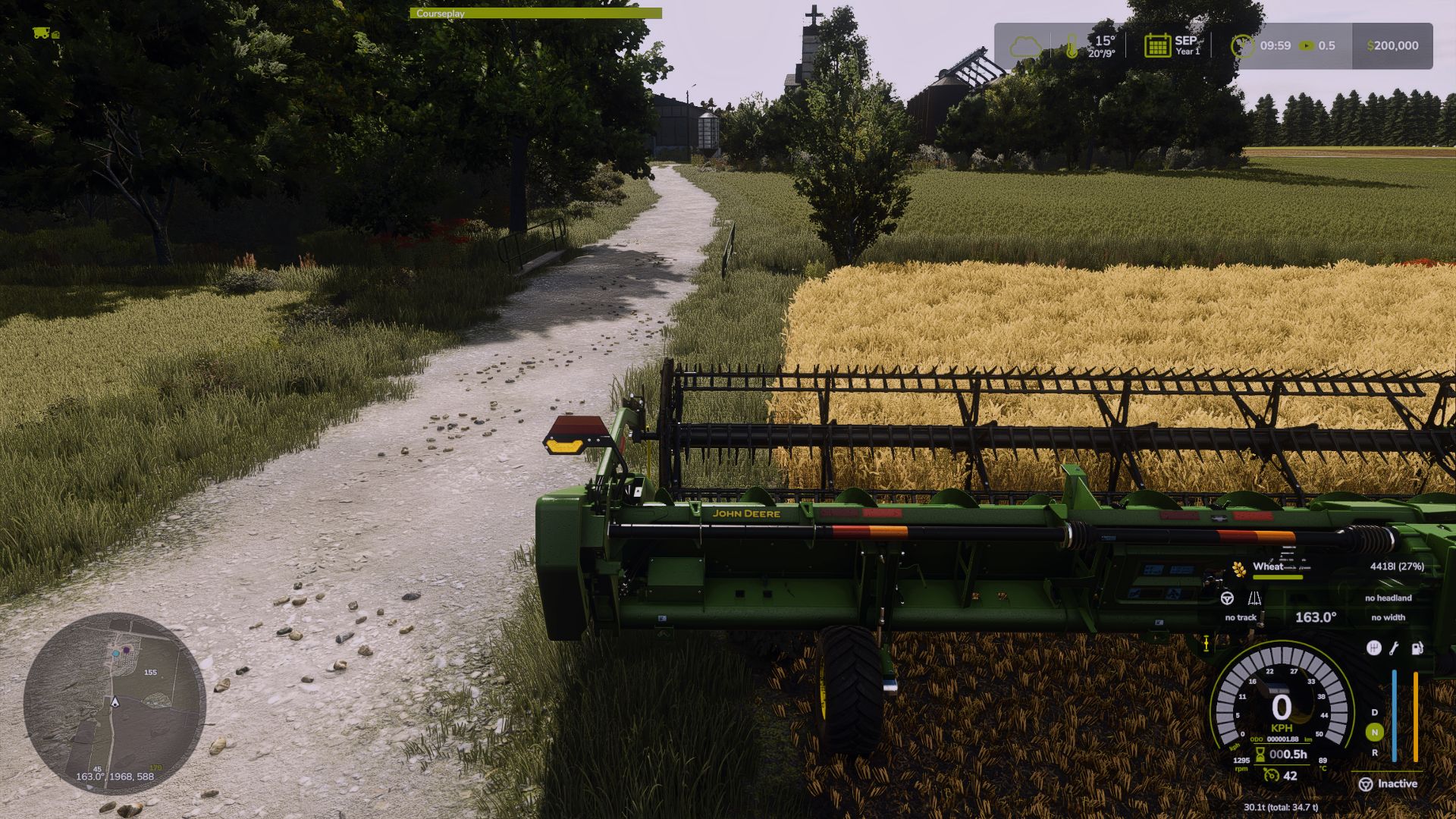

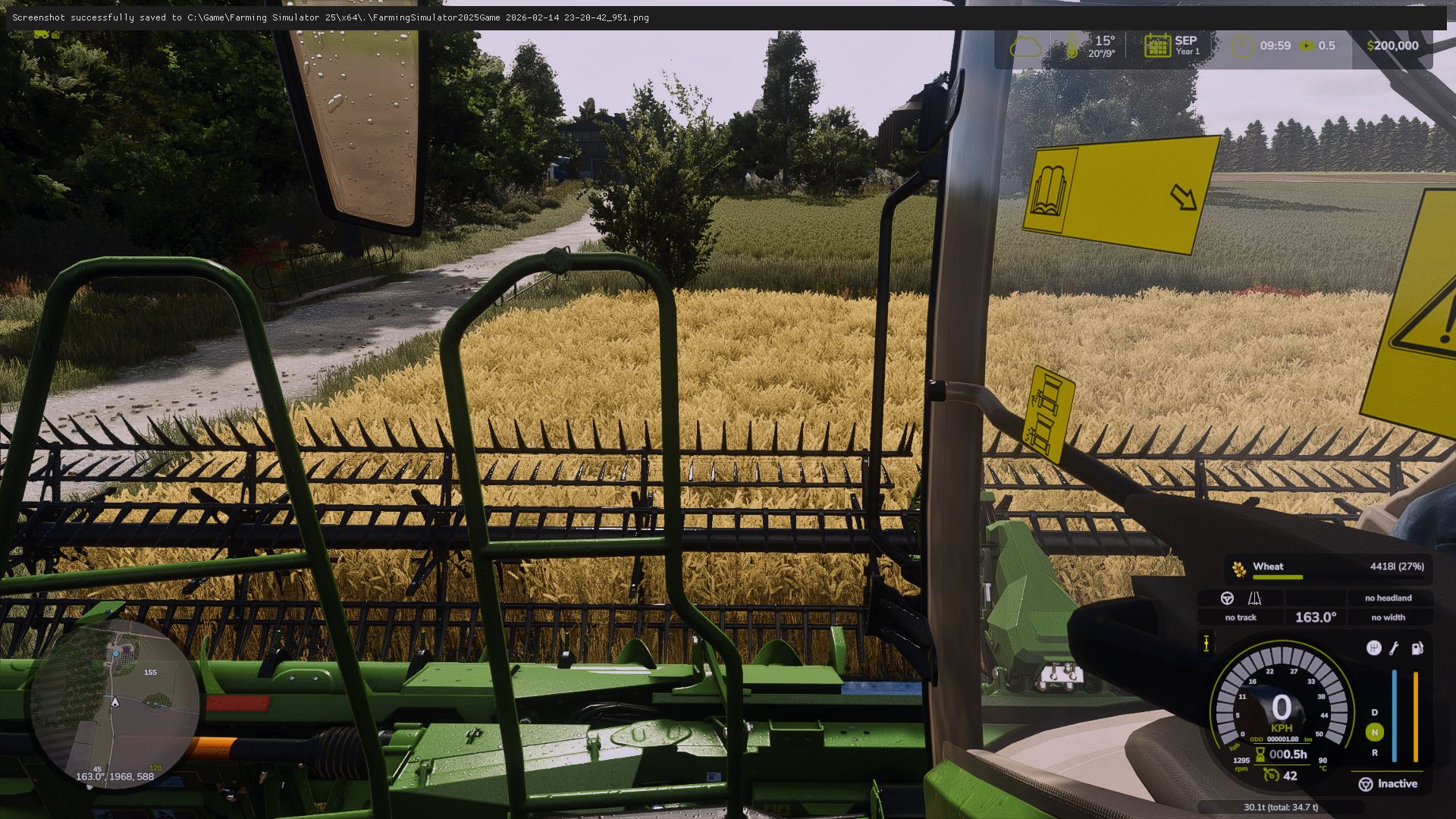
Rear view camera with monitor, plus three active cameras alongside the harvester:
one beside the cabin and one behind the harvester
Camera installation tutorial coming soon

Instructions:
Extract (unzip) this archive Copy the contents of the ‘seriesX9’ folder into:
Farming Simulator 25/data/vehicles/johnDeere/seriesX9
Always create a backup of your original vehicle folder before installing
work with 1.15 and 1.16


Credits: patrio


How to use LS25 Mod

All Farming Simulator 25 mods are to change the gameplay, create new content, or add more items to the Farming Simulator 25 game. So downloading and installing this kind of FS25 mod is the best way to update your basic game version. Select this or any other Farming Simulator mod and copy it to your mods folder. We recommend you modify the game with new Tractors, Trucks, Machines, or Maps for FS25. So don't wait, choose the mod and create your own game with LS25 mods for PC version right now!


Best LS25 Harvesters

Leave a Reply

Do you need help or to say thanks for mod author? Just leave a comment bellow!