Vehicle Control Addon v1.0.0.0 LS25
Vehicle Control Addon v1.0.0.0 LS25
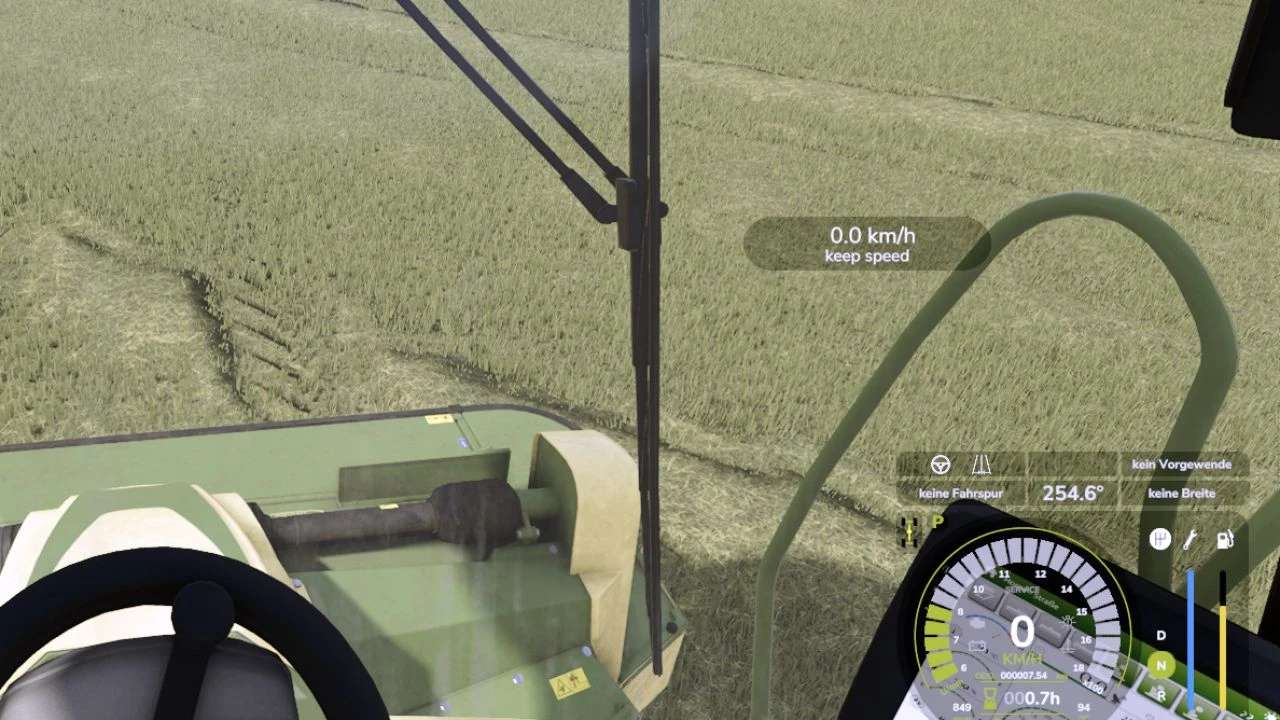
The vehicle control extension (VCA) combines many functions in one modification. Most features are turned off by default. VCA can automatically adjust the camera direction to the steering angle and direction of travel. So you always look in the direction you are driving. With the standard key combinations RShift and the arrow keys you can briefly look in the corresponding direction. The adaptive steering is intended for keyboard players. VCA can adjust the steering speed according to the speed of the vehicle.
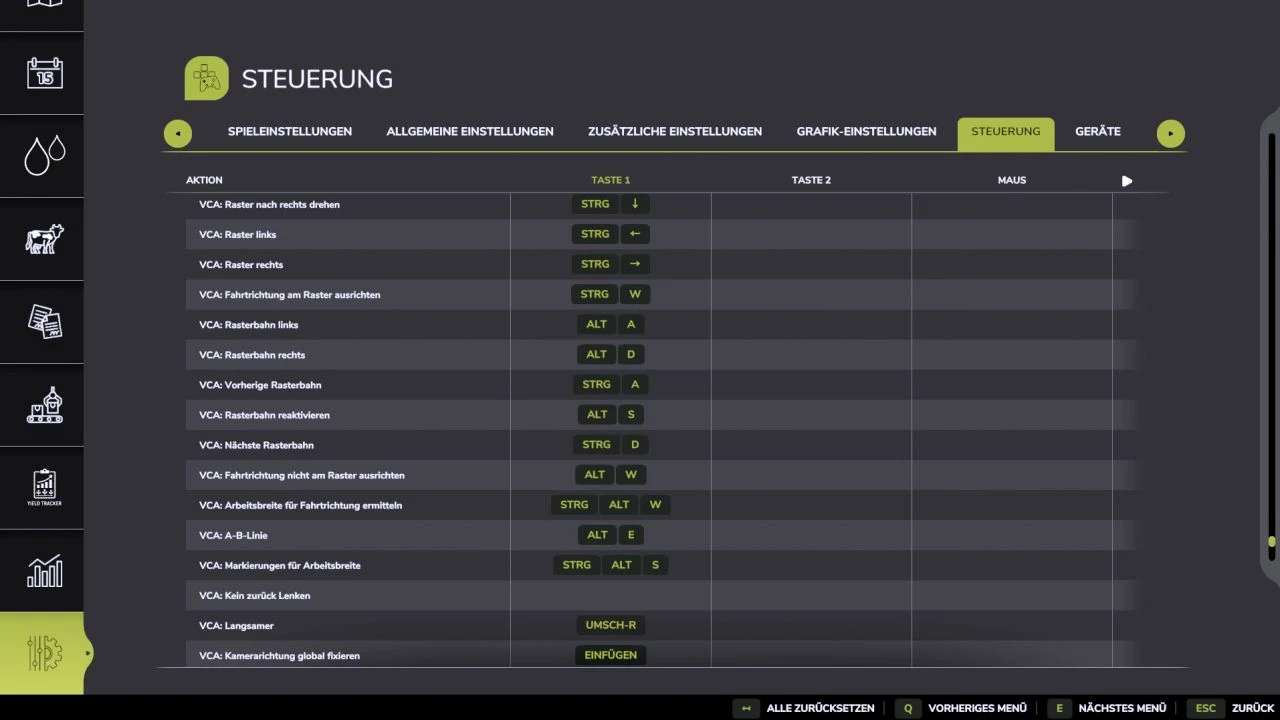
The vehicle control extension also includes simple lane guidance. If you press Ctrl Left together with W, the direction of travel is aligned with fixed directions.
All functions can also be switched off again using the following buttons:
[Ctrl Left + C]: Settings
[Ctrl Left + W]: Continue grid control
[Alt Left + W]: Restart grid control
[Shift Right]: Accelerator pedal limiter / reduced cruise control speed
[Shift Right + Arrow Key]: Look forward, back, left, right
(Control should be approximately like in the LS22, if that’s not the case, just add your own assignment)