Diepholz 25 v1.0.0.2 LS25
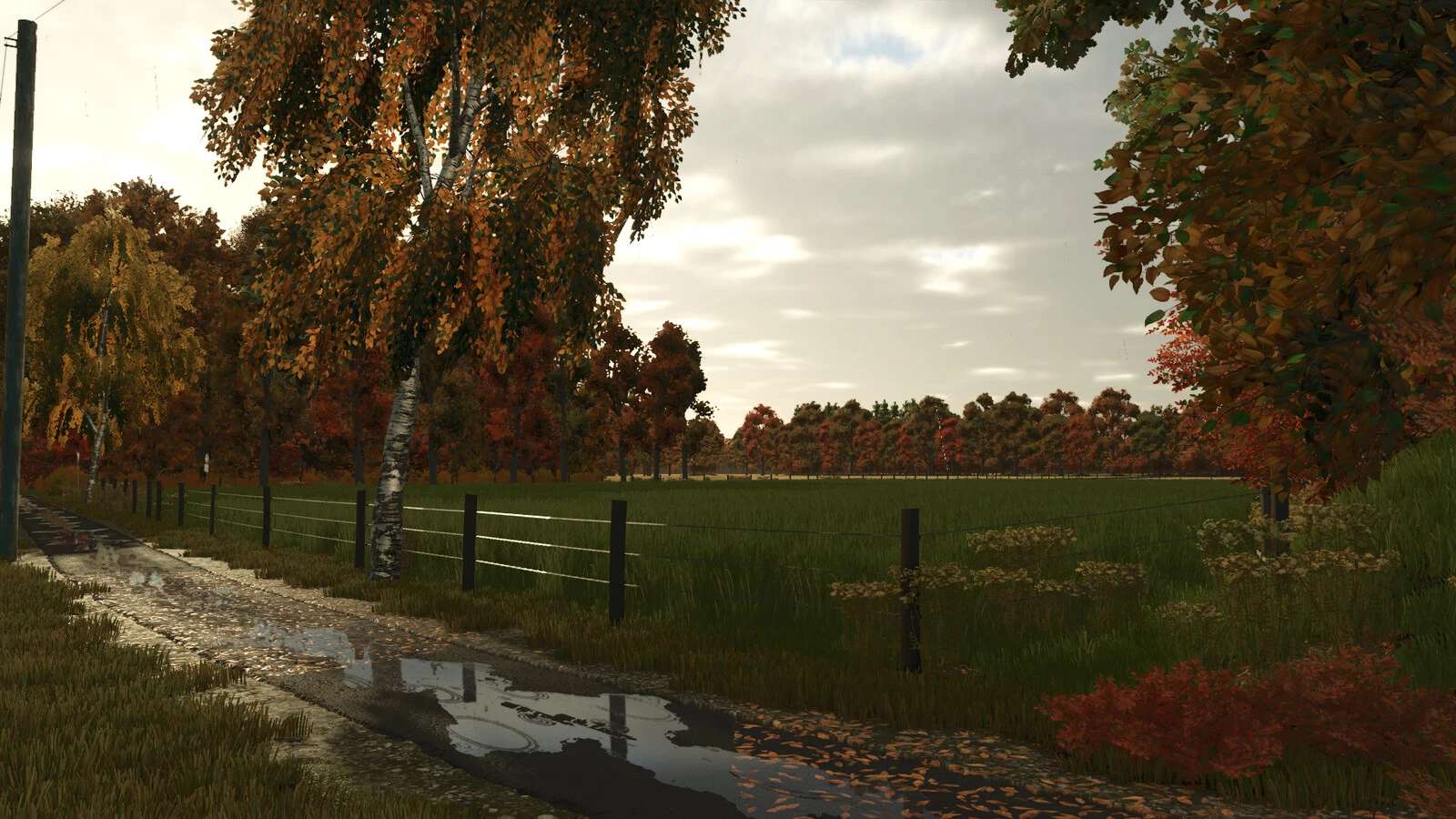
Diepholz 25 v1.0.0.2 LS25
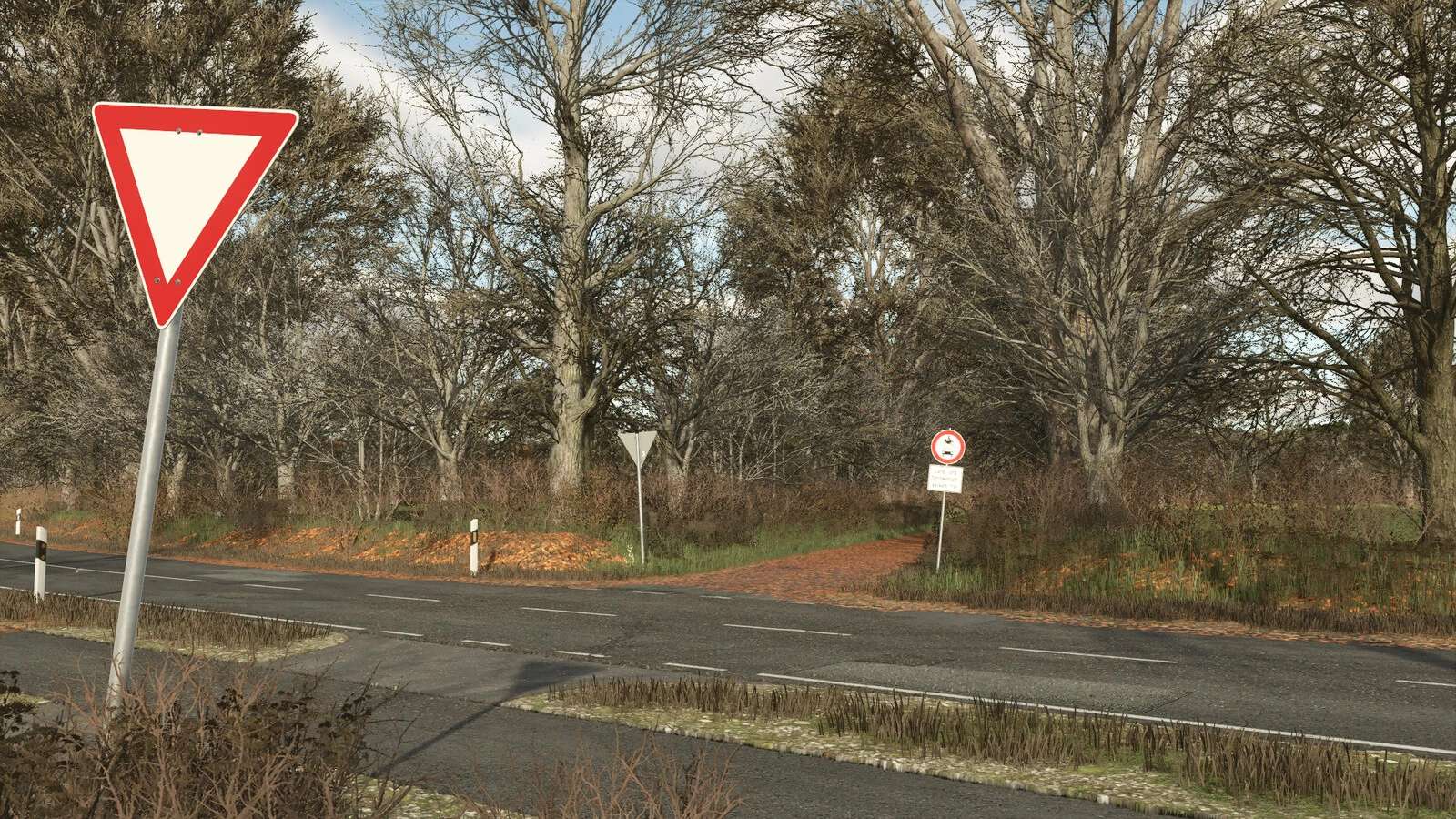
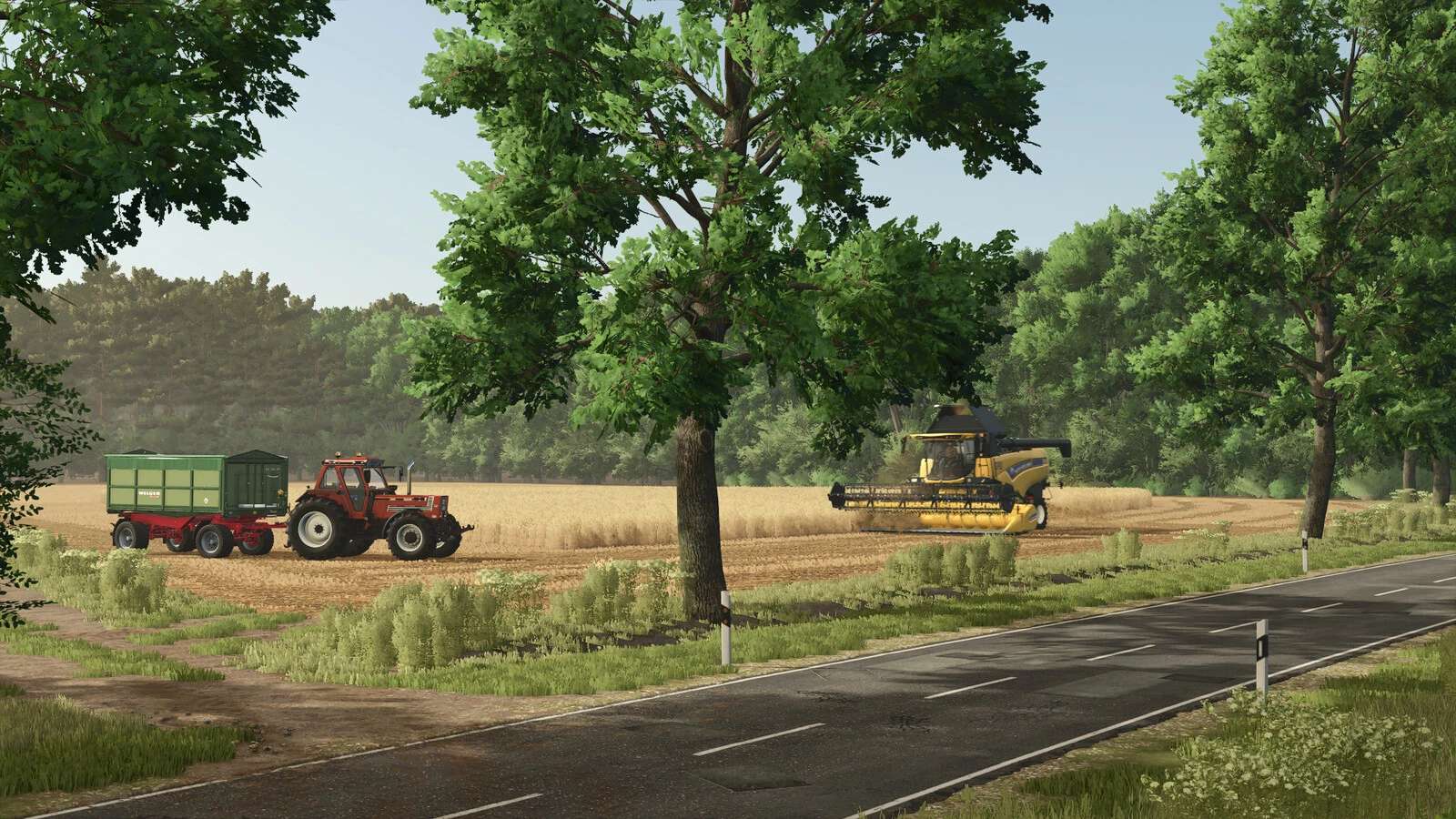
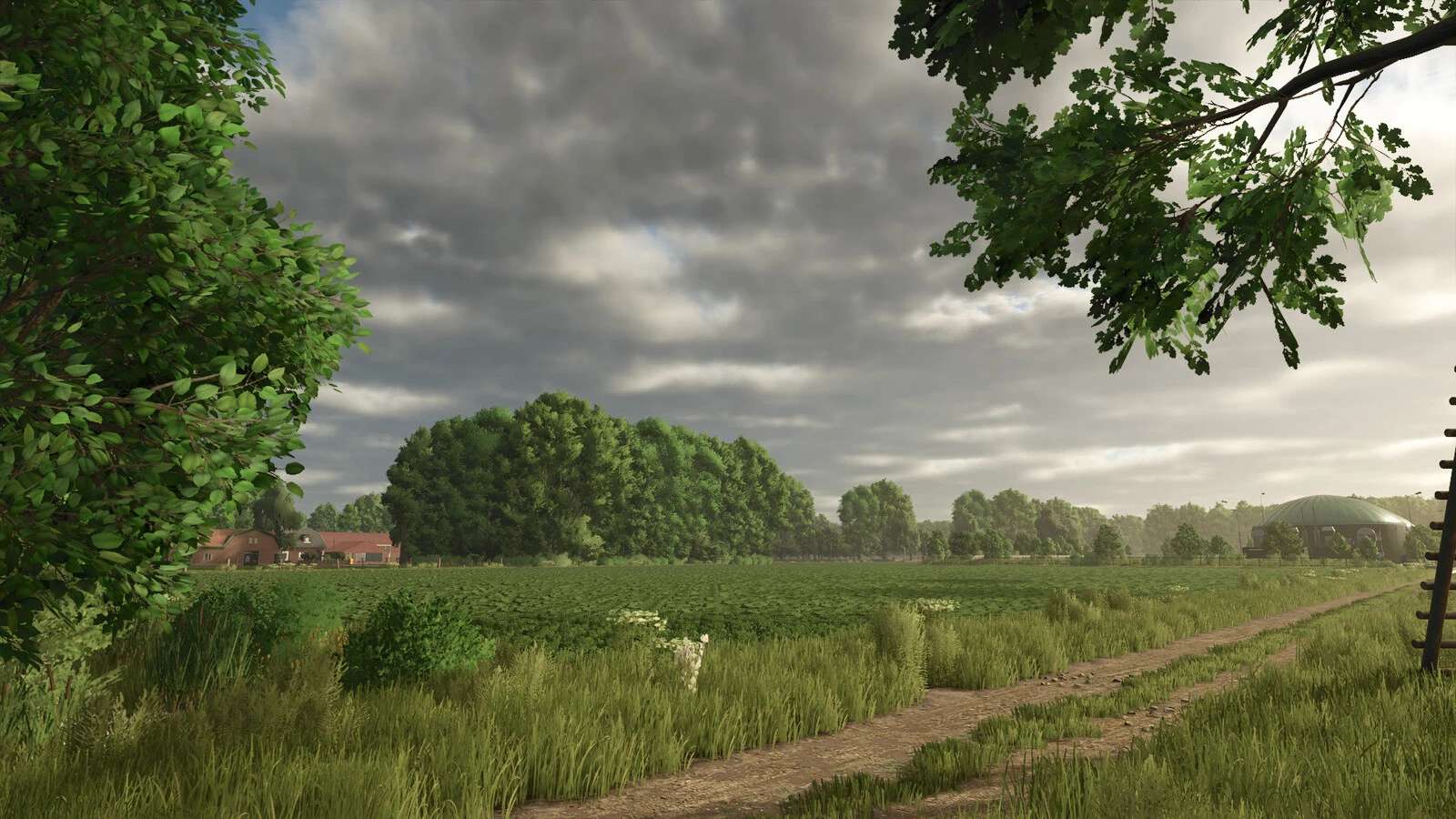
Welcome to Diepholz!
Changelog 1.0.0.2 – No new save game is needed
– Hotfix for game freezing during loading
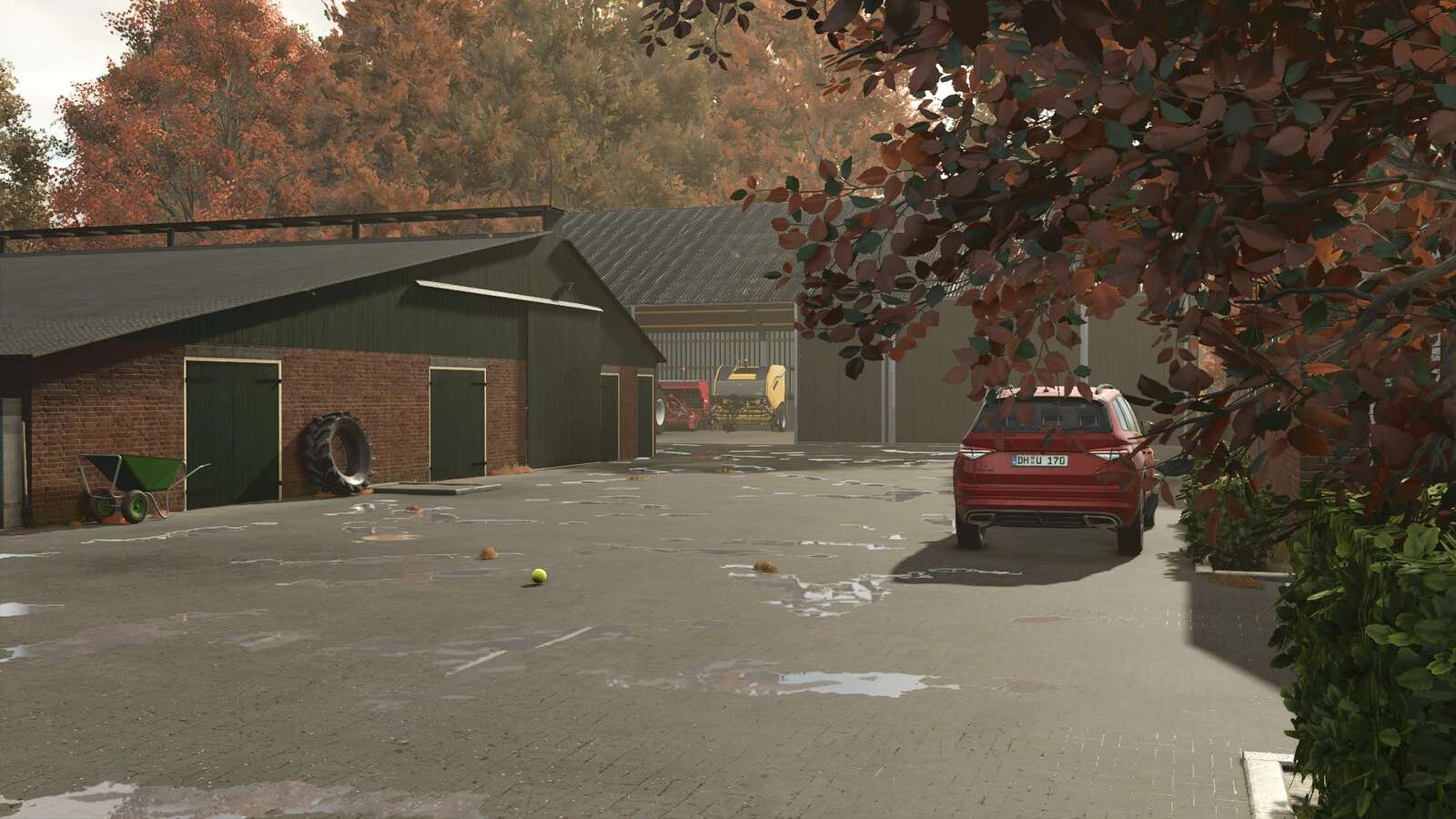
Your grandpa has left you a farm – now it’s up to you to lead it into a new future.
You begin your journey amidst fields, traditional brick buildings, and untouched nature.
Face the challenges, grow your business, and become the farmer the whole village depends on.
Diepholz is waiting – are you ready?
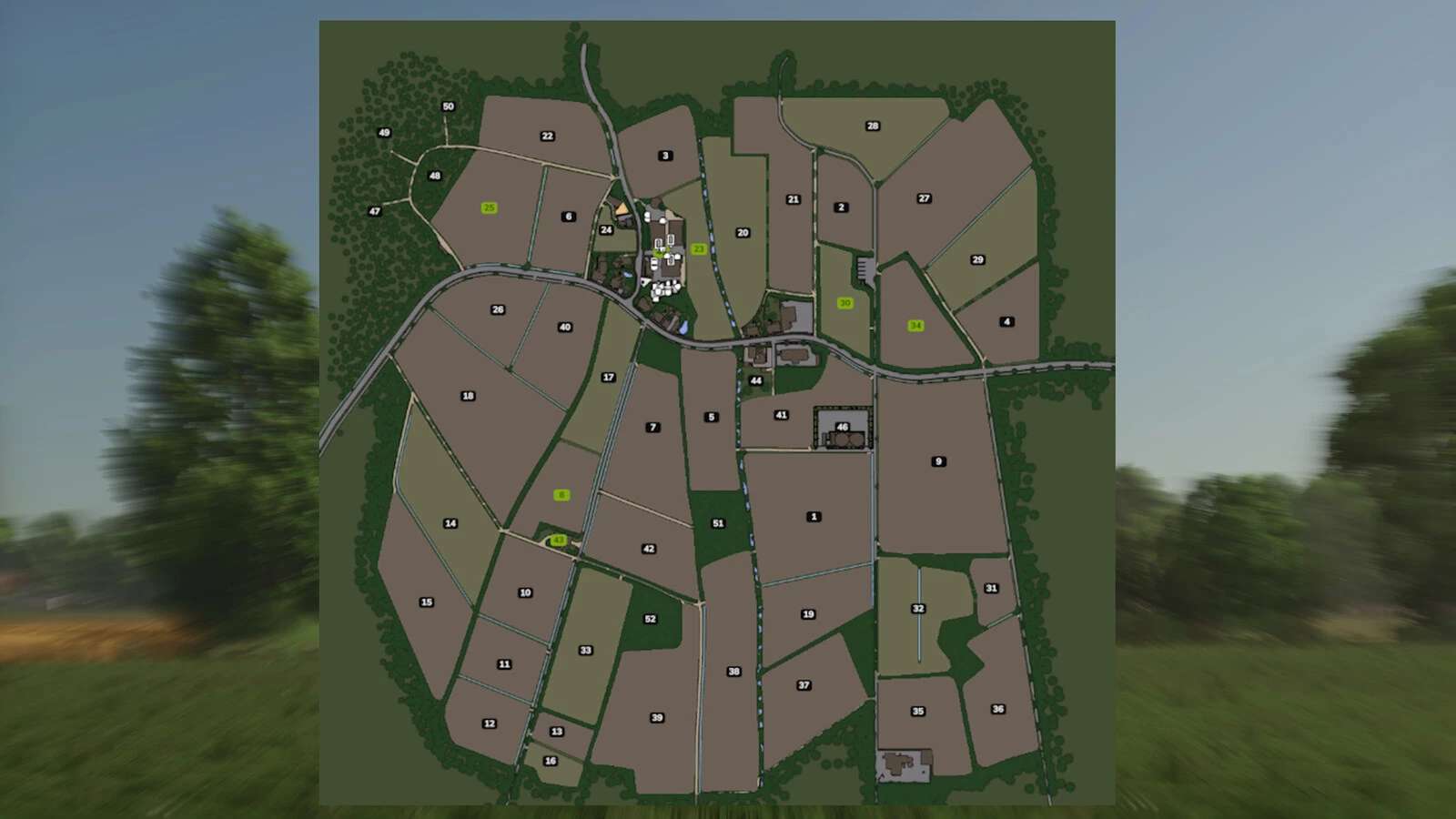
– 42 fields and meadows
– 1 farm
– 1 biogas plant
– 32 Ground angle
– New crops: rye, spelt, triticale, green rye, vetched rye, mustard, humus active, silage maize, flowering catchcrop, winterwheat, summerwheat, winterbarley, summerbarley, alfalfa and clover
– Stubble destruction
– Seed and harvest calendar adjusted
– 96 paintable textures
– In-game help added
– New fruits added to the feeding
– Collectibles
– Own licensplates
– Own soil map for Precision Farming
– Highlands and fishing dlc ready
Changelog 1.0.0.1 – No new save game is needed
– Various visual errors fixed (floating objects, incorrectly displayed objects, missing collisions, etc.)
– Uneven surfaces fixed (streets, yards, etc.)
– Adjusted AI traffic (cars and pedestrians)
– Weighing station at the BGA can be sold
– Collision at the grain hall adjusted
– Field edges adjusted (Better work by helper or GPS)
– Performance improvements
– Adjustment of manure and lime purchases
– Adjustment of lime price
– Alfalfa will no longer be planted on the fields from the beginning, as there were issues with orders
– Adjustment of the map edge (Collision)
– Fog adjusted
– Other minor adjustments (typos, help menu, etc.)
*New*
– Added depot to Landtechnik Stöwe (Many thanks to T4xs)
– Added clover/alfalfa silage to the biogas plant (Many thanks to T4xs)
– The entire map can now be purchased.
– New texture for chopped corn added
– TMR adjusted
Info! To let the AI helper drive, traffic must be turned off, as it can otherwise cause problems.
All barbed wire fences can be sold in multiplayer thru Farm ID1.