Zielonka Real Orchards Multifruit Beta 2 v1.0.0.0 LS25
Zielonka Real Orchards Multifruit Beta 2 v1.0.0.0 LS25
BETA 2 Release
For those who’ve been following the W.I.P. posts on KingMods, you’ll already be somewhat familiar with what’s coming in this update.
Changelog
Retextured apricot and peach trees (no more reused apple trees).
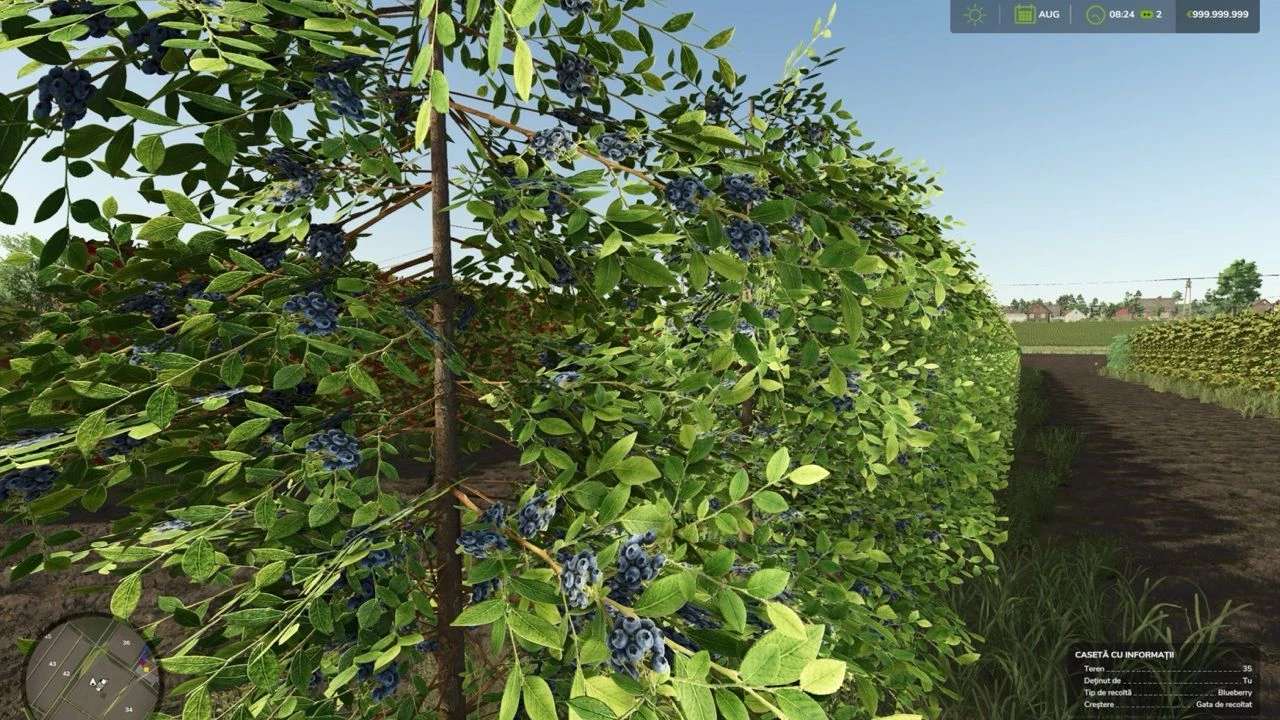
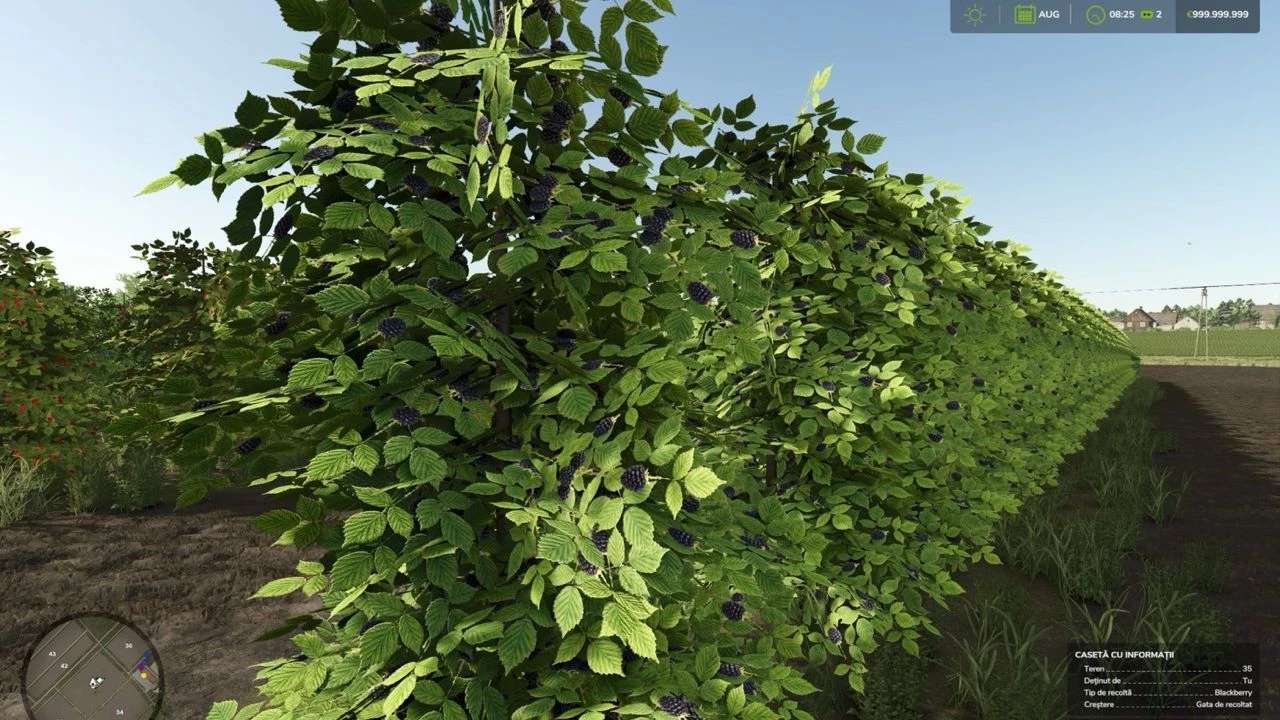
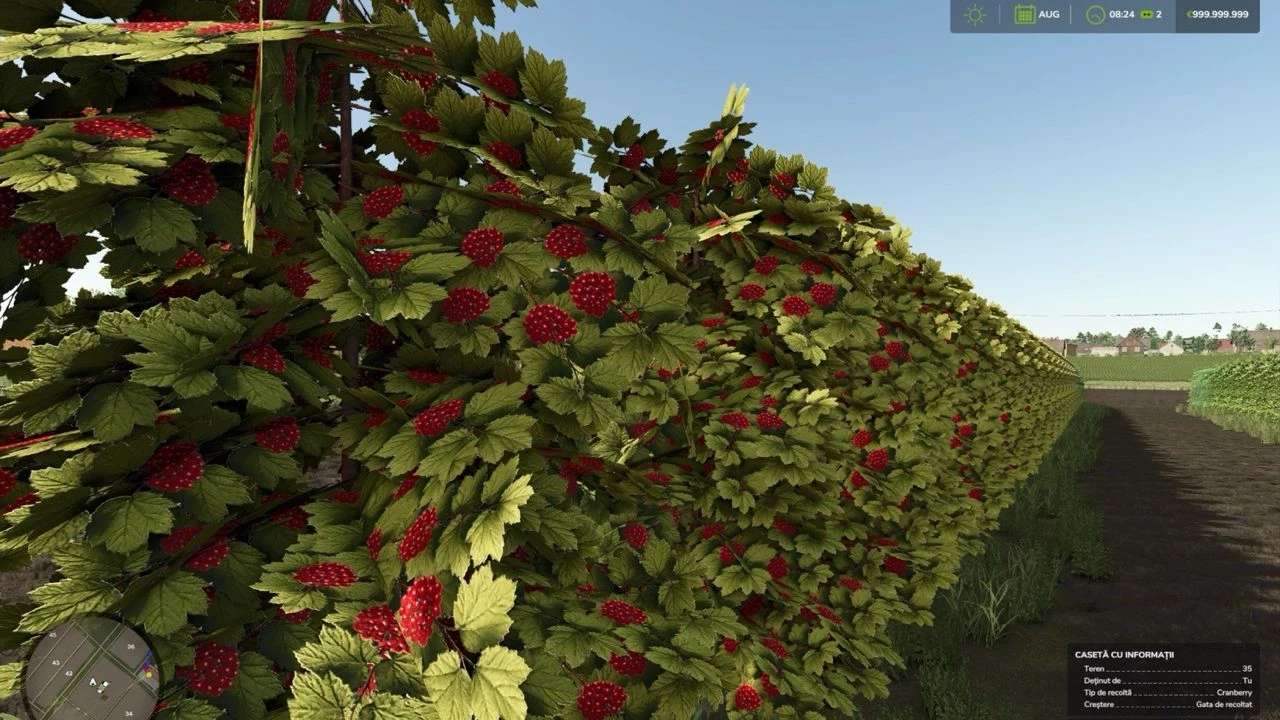
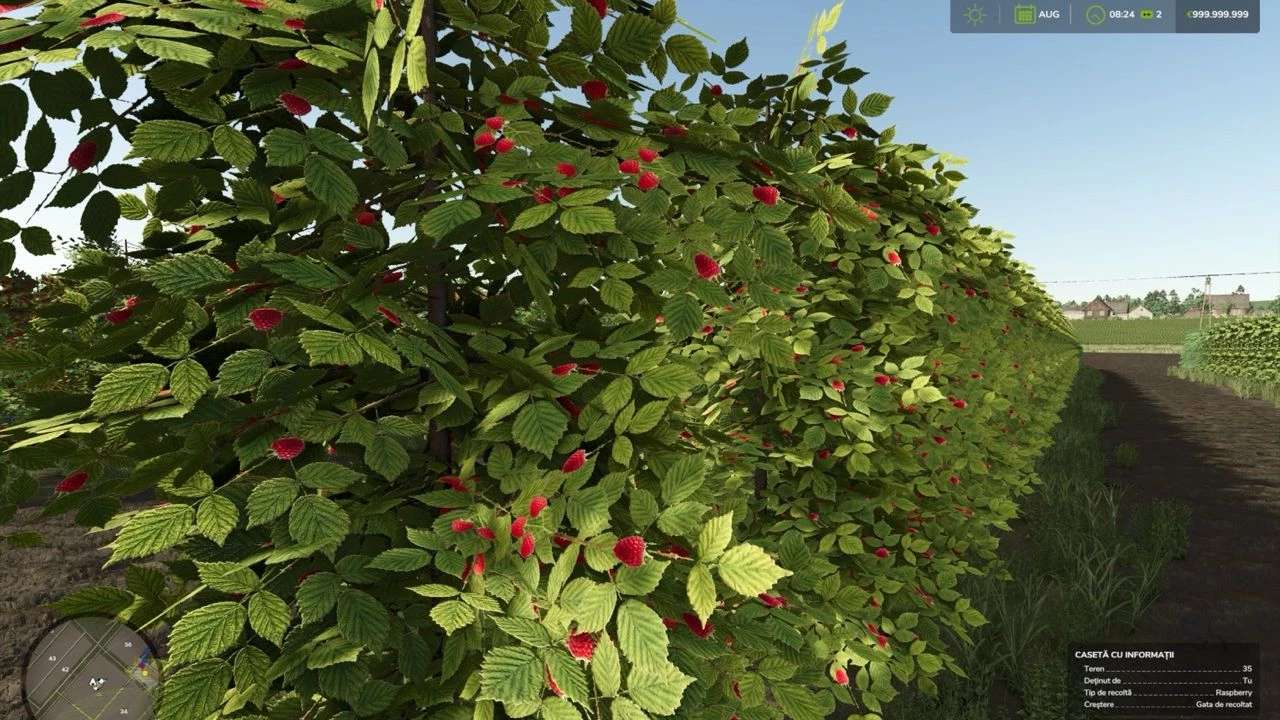
Retextured blackberry and raspberry using a different i3d (the coffee plant from FS22), and added blueberry and cranberry.
Since I forgot coffee was way bigger than olives, I asked Wrobelmen for permission to use his Jacto K3500 conversion for these new berry orchards.
Balanced planting cost, harvest price, and yield for the new orchards (still not final — my math might need tweaking).
Added new juice production lines to the Juice Factory for all berries and adjusted outputs accordingly.
Added harvesting effects for 7 out of 10 new orchards (tipping effects will come later).
Added the New Holland 9090X for the new orchards (note: berries can’t be harvested with it or the Oxbo yet — but I left the code in place in case someone helps me resize the berry bush i3ds).
Added hops to all grape harvesters that didn’t have it before.
Added all vine-type crops to grape trailers.
All vine-type crops now spawn in plastic crates instead of wooden ones.
Known Issues
Missing effects for peach, pear, and raspberry (for now).
The Jacto harvester currently doesn’t show fruit inside the belt system.
Notes
This version is error-free (as much as an early BETA can be).
The growth calendar is still the same, haven’t had time to meddle with it yet.
I don’t recommend getting too deep into a savegame yet — just have fun testing and let me know what you find!
Any feedback on missing effects or other bugs will help me a ton.
Help Needed
Finally, I need someone who can help me scale down the berry bushes to be around the same size as olives/grapes so they’ll work with the Oxbo harvester (plus, it’d look way more realistic — bushes bigger than trees just feels wrong).
Basically, I just need one of the bushes (say, blackberries) resized to olive height, then I can use that i3d for the rest.
If you know how to do it and want to help, drop a comment here and I’ll DM you the map link so you can take a look. Afterward, you’d just need to send me back the resized blackberry i3d from multifruit/orchards.
In return, you’ll get huge thanks from me and everyone playing the map — I’ll list you in the map description, modDesc contributors, and even put your name on a billboard if you want!